Building a website, app, or custom AI assistant no longer requires a development team. No-code and low-code AI tools let you describe what you want and get a working result — this category collects the best AI-powered platforms for building without traditional programming.
What Is No-Code/Low-Code AI?
No-code and low-code AI platforms combine visual, drag-and-drop building with AI generation, letting you create websites, apps, voice assistants, or automated workflows by describing what you want rather than writing code by hand. Low-code tools allow some custom code for advanced needs, while no-code tools require none at all.
Types of No-Code/Low-Code AI Tools
AI Website & App Builders
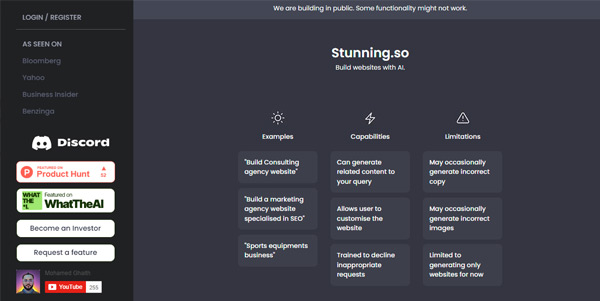
Generate a full website or mobile app from a text description or sketch, with a visual editor to customize the result afterward.
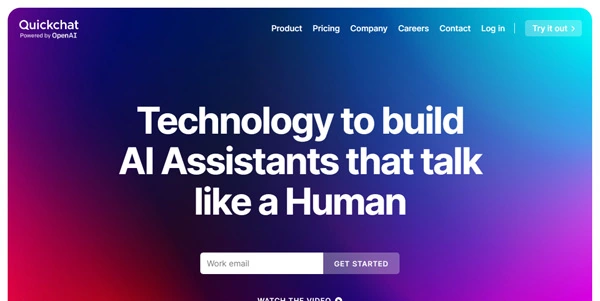
Voice & Conversational App Builders
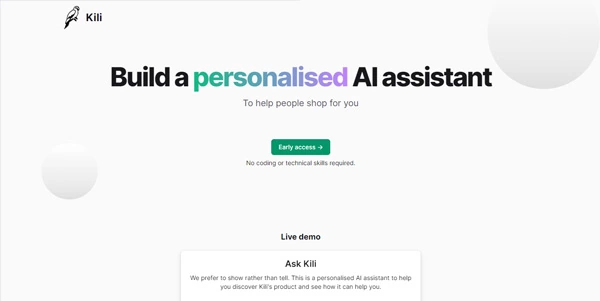
Build custom voice assistants or conversational AI applications without needing to code the underlying speech recognition or dialogue logic.
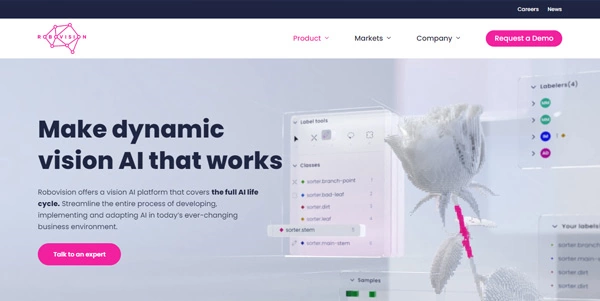
AI Model Training Without Code
Train a custom AI model on your own data using a visual interface, skipping the machine learning code that would traditionally be required.
Design-to-Code & Automation Tools
Convert a sketch or wireframe directly into working code, or automate multi-step workflows between apps using a visual builder instead of custom scripts.
Key Features to Compare
- Customization ceiling — how far you can push the tool before you hit a limitation that needs custom code.
- Code export — whether you can export clean code to host independently, or are locked into the platform.
- Scalability — whether the platform handles production traffic or is best suited for prototypes.
- Integrations — which external tools and APIs the platform connects to out of the box.
- Learning curve — some “no-code” tools are genuinely instant, others still require some technical thinking to use well.
Who Uses No-Code/Low-Code AI Tools?
Founders and small business owners use them to launch products without hiring developers; product managers use them to prototype ideas quickly for validation; developers use low-code tools to speed up repetitive parts of a build; and non-technical teams use automation builders to connect their existing software.
The Future of No-Code/Low-Code AI
These platforms keep closing the gap with custom development, handling increasingly complex logic without requiring traditional code. Below, explore our curated, regularly updated list of the best no-code and low-code AI tools — compare customization, scalability, and pricing for your project.
Frequently Asked Questions
What is the difference between no-code and low-code?
No-code tools require zero programming knowledge — everything is built visually. Low-code tools use a similar visual approach but allow adding custom code for advanced functionality the visual builder alone can’t handle.
Can a no-code app actually scale to real production traffic?
Many modern no-code platforms are built on solid infrastructure that scales reasonably well, but very high-traffic or highly custom applications sometimes eventually outgrow no-code tools and need custom development.
Do I own the app or website I build with a no-code tool?
Generally yes, but check the specific platform’s terms — some let you export code and host independently, while others require staying on their platform, which affects your long-term ownership and portability.
Are no-code/low-code AI tools free to use?
Many offer a free tier for building and testing, with paid plans required for custom domains, removing platform branding, or higher usage limits once you launch publicly.
Do I need any technical skills at all to use no-code tools?
Basic no-code builders are designed for zero technical background, though understanding general logic (if this, then that) helps with more complex automations and app logic even in a visual builder.
Can I train a custom AI model without knowing machine learning?
Yes, several no-code platforms let you upload your own data and train a model through a visual interface, handling the underlying machine learning complexity for you.