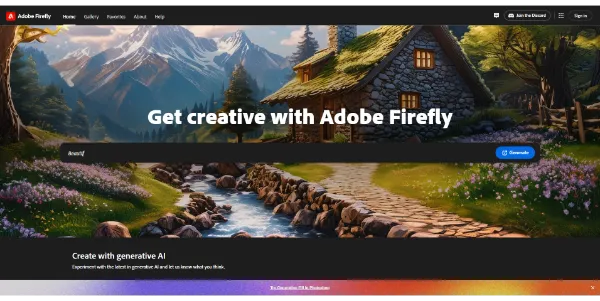
Adobe Firefly 3 #1 Image editing Free Powerful AI tools for easy image editing, generation and enhancement: image generator, generative fill, generative recolor, etc.. READ MORE
Photoshop AI #2 Image editing Free-Trial Edit and transform your images like a pro with a set of AI tools: generative fill, generative expand, image creation from text and more. READ MORE
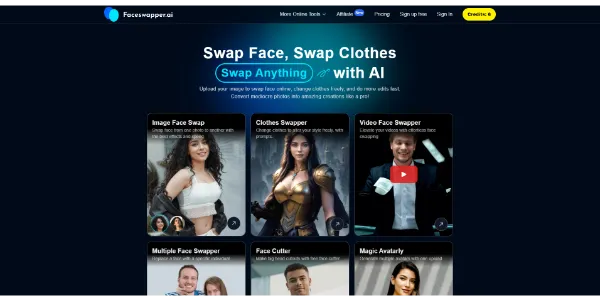
FaceSwapper #2 Face Swap & DeepFake Freemium Replace any face in your photos or videos realistically with AI. Change clothes instantly, create avatars and much more. READ MORE
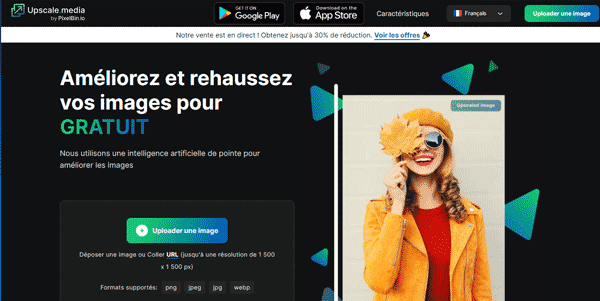
Upscale.media #4 Image editing Free Enhance and increase the resolution of your photos dramatically (up to 4x). Supported formats: PNG, WEBP, JPG, JPEG and HEIC. READ MORE
Adobe Illustrator #5 Image editing Paid Produce striking vector illustrations with Adobe’s popular software, now with AI technology. Create logos, icons, 3D effects and all kinds of designs. READ MORE
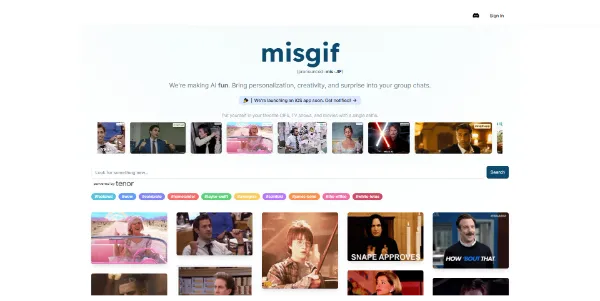
Misgif #6 Face Swap & DeepFake Free Replace the face of a character in a GIF with your own, thanks to an AI technique called Faceswap. Also includes editing tools. READ MORE
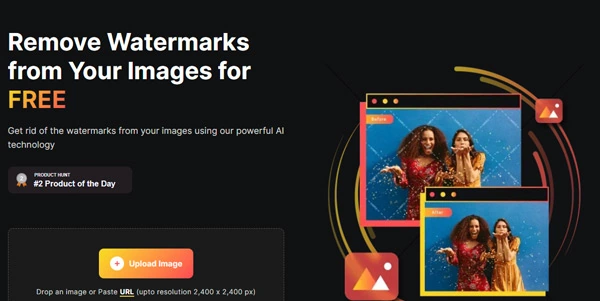
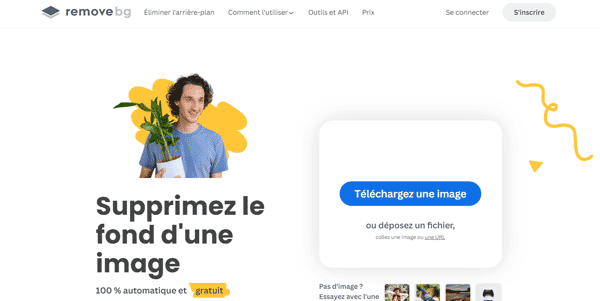
WatermarkRemover IO #7 Image editing Freemium Automatically remove WaterMark from any photo with a fast and precise AI tool. READ MORE
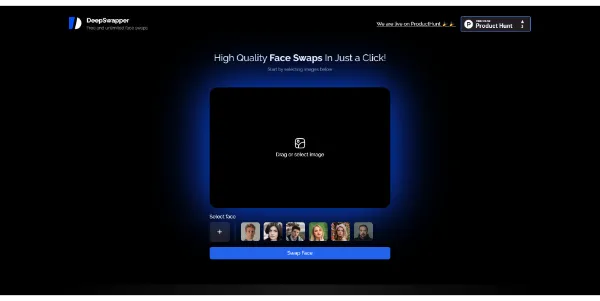
DeepSwapper AI #8 Face Swap & DeepFake Free Quickly swap your face on an image using the face swap technique. The result is realistic, watermarked and it’s free. READ MORE
Magnific AI #8 Image editing Paid Improve the resolution of your images (upscale) and also enhance their quality (pixels). This AI is also capable of hallucinating and reimagining your illustrations. READ MORE
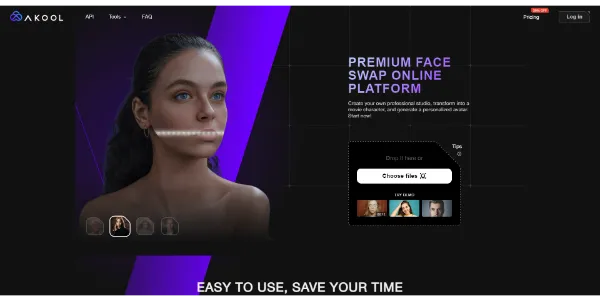
Face Swap by Akool #9 Face Swap & DeepFake Freemium Swap your face like a pro with the help of a premium platform. Transform yourself into a movie character or create personalized avatars. READ MORE
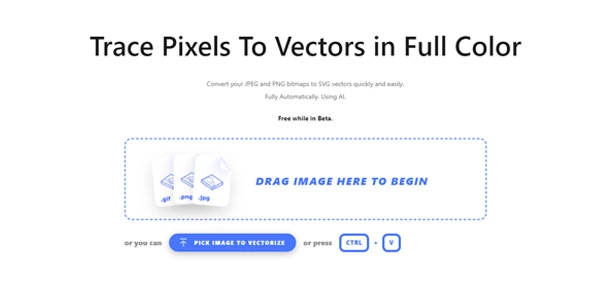
Vectorizer AI #10 Image editing Paid Quickly and automatically convert your PNG or JPEG images to SVG vectors. READ MORE