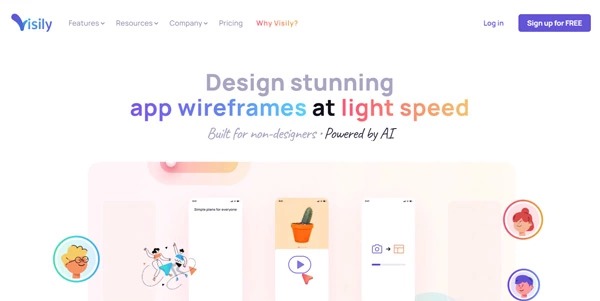
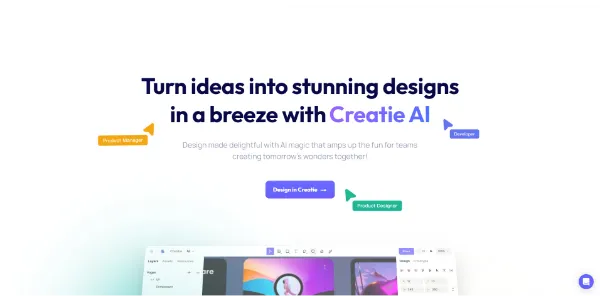
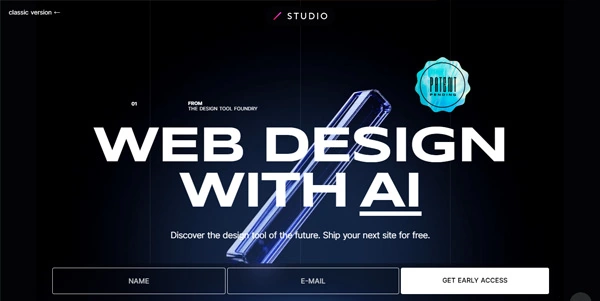
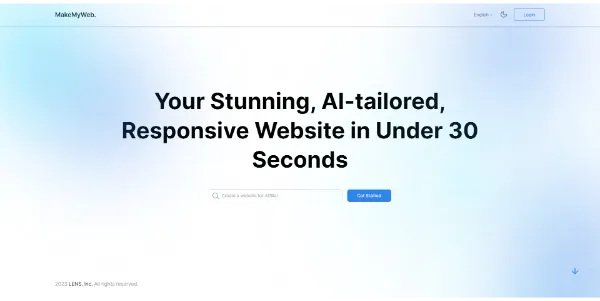
Building a website or designing a UI used to require either coding knowledge or hiring a designer. AI website and design tools now let anyone generate a full site, a matching color palette, or a working UI mockup from a simple description or sketch. This category collects the best AI tools for web design and creation.
What Are AI Website & Design Tools?
AI website and design tools use machine learning to automate visual and structural design work — generating a full website from a text prompt, suggesting color palettes and font pairings, converting a sketch into working code, or assisting with professional UI/UX design decisions.
Types of AI Website & Design Tools
No-Code AI Website Builders
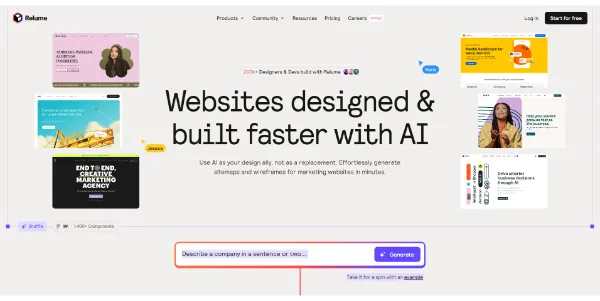
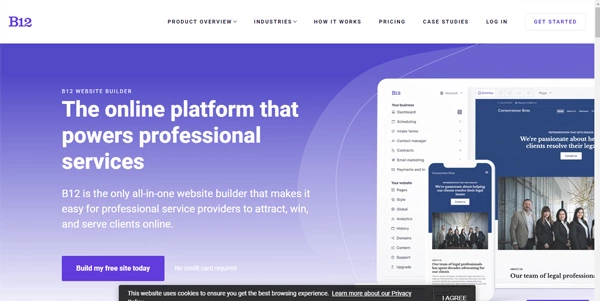
Describe your business or site goal in plain language and the AI generates a complete, ready-to-edit website — no coding or design experience required.
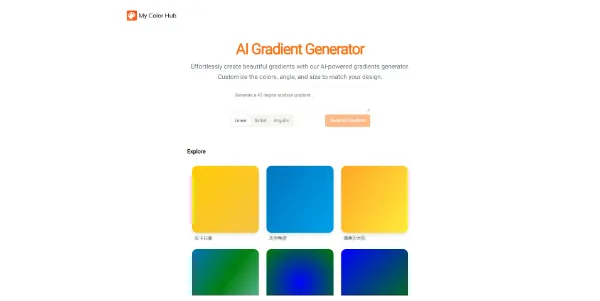
Color Palette & Font Generators
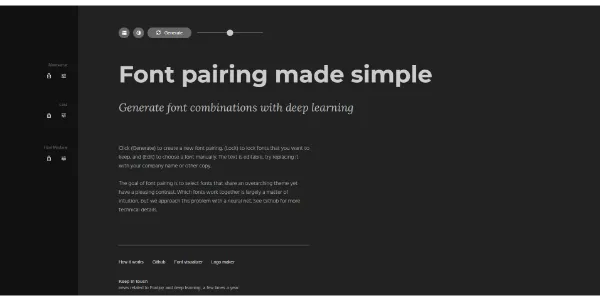
Generate aesthetically balanced color schemes and font pairings automatically, helping non-designers make confident visual decisions.
UI/UX Design Tools
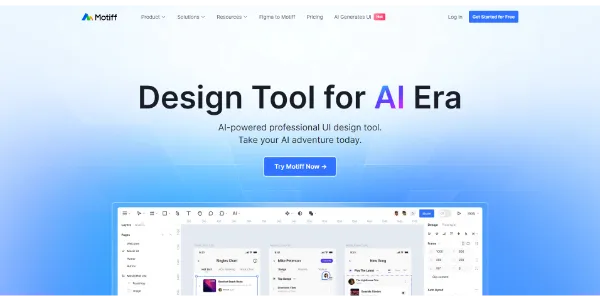
Professional-grade tools that use AI to speed up interface design work — generating layout variations, design systems, or component suggestions.
Sketch & Wireframe-to-Code Tools
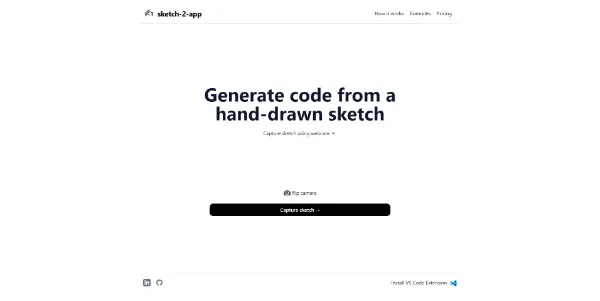
Convert a hand-drawn sketch or rough wireframe directly into working front-end code, skipping the manual translation from design to implementation.
Key Features to Compare
- Customization depth — how much control you have over the generated design versus a fixed template.
- Code export — whether you can export clean, editable code or are locked into the platform’s own builder.
- Responsiveness — whether generated designs automatically adapt to mobile and different screen sizes.
- E-commerce support — built-in support for online stores if that’s part of your project.
- Hosting & domain — whether the tool includes hosting or requires connecting your own.
Who Uses AI Website & Design Tools?
Small business owners use no-code builders to launch a site without hiring a developer; designers use color and font tools to speed up early creative decisions; product teams use UI/UX tools to prototype interfaces faster; and developers use sketch-to-code tools to skip manual markup for early prototypes.
The Future of AI Website & Design Tools
Generated designs keep moving further from generic templates toward layouts that reflect real brand identity and content. Below, explore our curated, regularly updated list of the best AI website and design tools — compare customization, export options, and pricing for your project.
Frequently Asked Questions
Do I need coding skills to build a website with AI tools?
No, most AI website builders are designed to be fully no-code — you describe your site and the AI generates a ready-to-edit result, though developer-focused sketch-to-code tools do assume some technical background.
Can I export the code from an AI website builder?
It depends on the platform — some let you export clean code to host anywhere, while others keep your site within their own hosted builder. Check this before committing if platform independence matters to you.
Are AI-generated websites mobile-responsive?
Most modern AI website builders generate responsive designs by default that adapt to different screen sizes, though it is worth checking the mobile preview before publishing to confirm everything displays correctly.
Are AI website and design tools free to use?
Many offer a free tier or trial with limited pages, templates, or exports, with paid plans unlocking custom domains, more design options, and removing platform branding.
Can AI website builders support online stores?
Some do include e-commerce features like product listings and checkout, while others focus purely on informational or portfolio sites — check for e-commerce support specifically if you are building a store.
Are AI-generated designs good enough for professional client work?
AI-generated designs work well as a fast starting point, but professional projects typically still benefit from a designer refining branding, spacing, and content to match specific client needs.