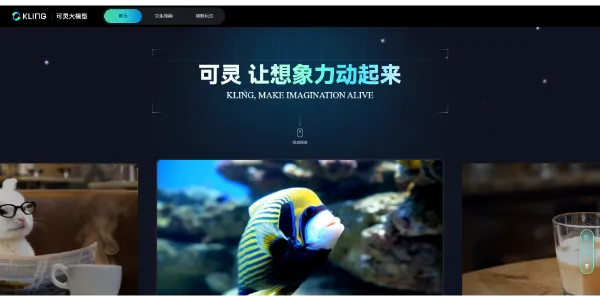
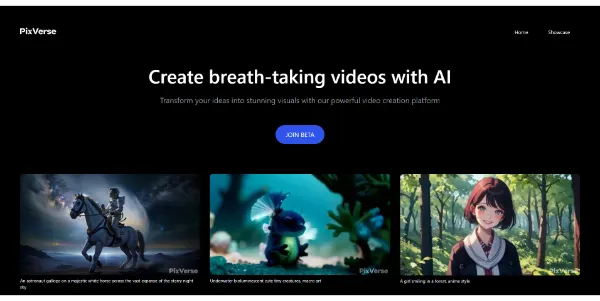
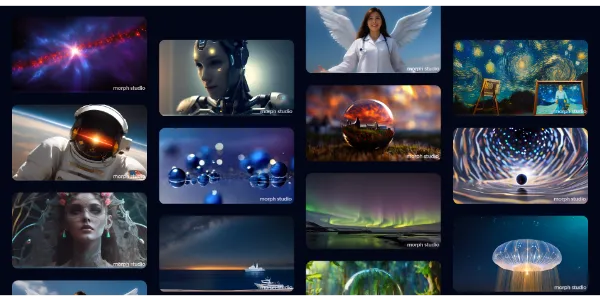
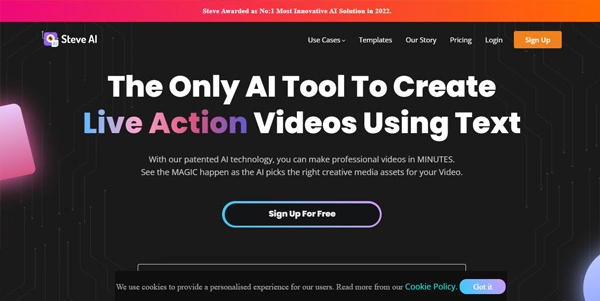
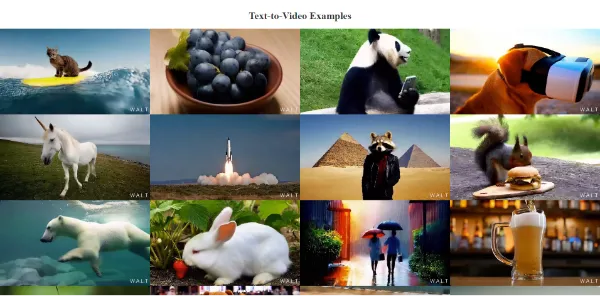
Type a scene description and get back a moving video clip — no camera, no actors, no editing timeline. Text-to-video AI is one of the fastest-moving fields in generative AI, with models like Sora, Runway, and Kling now producing increasingly realistic, cinematic footage straight from a text prompt.
Text-to-video AI generates an original video clip directly from a written prompt, using models trained to predict motion, lighting, and physics frame by frame. Some tools also accept a starting image and animate it into a short video, extending the same core technology beyond pure text input.
Frontier models focused on realism and visual quality — producing footage with convincing lighting, camera movement, and physics, often used for creative and experimental filmmaking.
Built for practical output like ads, explainer videos, and social content, often with templates, voiceover, and branding tools layered on top of the core video generation.
Start from a still image instead of a blank prompt and animate it into a short video clip — useful for bringing product photos, artwork, or portraits to life.
Research-driven, often self-hostable models that give more technical control over the generation process, popular with developers experimenting with the technology directly.
Filmmakers and artists use it for concept previsualization and experimental short films; marketers use it to produce quick ad and social video content; game studios use it for cinematic concept work; and researchers push the technology’s creative and technical limits.
Clip length, resolution, and physical realism are improving rapidly with each new model release, closing the gap with traditional video production. Below, explore our curated, regularly updated list of the best text-to-video AI tools — compare quality, clip length, and pricing for your next project.
Most text-to-video tools currently generate short clips, typically a few seconds to around a minute, though some newer models support longer generation. Longer videos are often produced by generating and stitching multiple clips together.
Quality varies significantly by tool and use case. It’s increasingly viable for social content, ads, and concept previsualization, though the most demanding professional productions still typically combine AI generation with traditional filming and editing.
It depends on the specific tool and plan — some restrict commercial use on free tiers and require a paid subscription for a commercial license, so always check each tool’s terms before publishing generated video in ads or client work.
Text-to-video generates a clip entirely from a written prompt, while image-to-video starts from an existing still image and animates it into motion — useful when you already have a specific visual you want to bring to life.
Basic prompts work, but describing camera angle, movement, lighting, and pacing in detail generally produces more controlled, predictable results — similar to how detailed prompts improve AI image generation.
Yes, many platforms offer a limited free tier to generate a small number of short clips, with paid plans unlocking longer clips, higher resolution, and commercial usage rights.